
A media wall is a serviceable equipment zone as well as a cabinet elevation. Screen size, speakers, players, controls, power, data, heat and future replacement should be recorded before the composition is fixed. A clean front that cannot be opened, ventilated or updated will age badly.
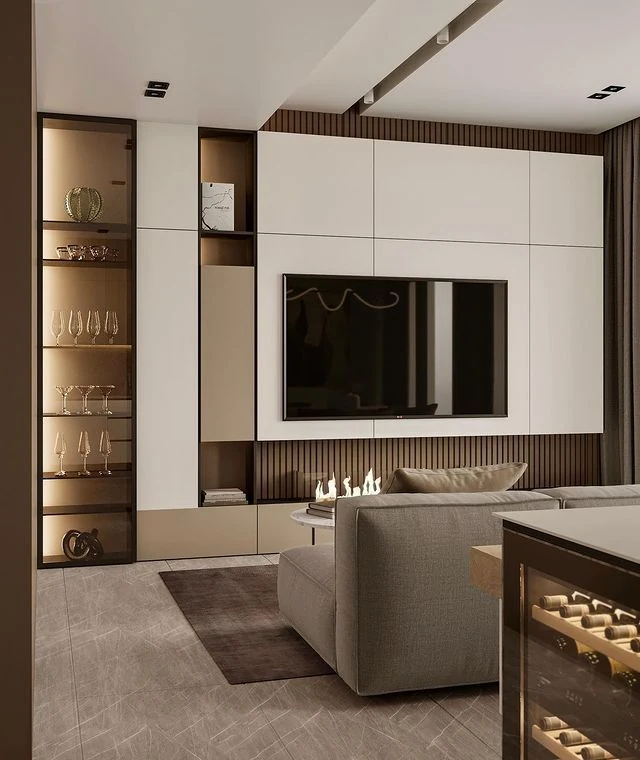
Start with the equipment and replacement list
Record the screen model and mounting information, speakers, receiver, game or media devices, router, controls, power supplies and any decorative equipment. For each item, note dimensions, door or tray movement, ventilation instructions, connections, preferred control path and whether it may be replaced with a larger item later.
| Zone | Questions to answer | Project output |
|---|---|---|
| Screen | Wall mounted, bracketed to a prepared structure or placed in an opening? How is it removed? | Approved screen envelope, bracket/support responsibility and access route. |
| Equipment | Which devices require sight lines, airflow, cable access or frequent handling? | Named compartments with openings, shelves and service panels tied to actual equipment. |
| Sound | Are speakers exposed, behind approved acoustic material or separate from the cabinet? | Speaker locations and the responsible audio design, without assuming cabinet fronts are acoustically suitable. |
| Future change | Which items are likely to be replaced and how much flexibility is useful? | Replaceable panels, cable routes or adjustable zones agreed within the project scope. |
Plan power, data, cables and heat together
Use the current equipment instructions to identify ventilation and access requirements. Do not treat open shelf area as proof that enclosed equipment will stay within its permitted operating conditions. The responsible electrical, data and audiovisual parties should confirm circuits, outlets, cable types, routing, separation, control signals, cooling and testing.
Provide accessible routes rather than sealing spare cable behind fixed panels. Identify where a technician can reach plugs, isolation, connection panels and mounting hardware. If lighting is integrated, include its power, switching and driver access in the same coordination drawing.
Balance the elevation with service access
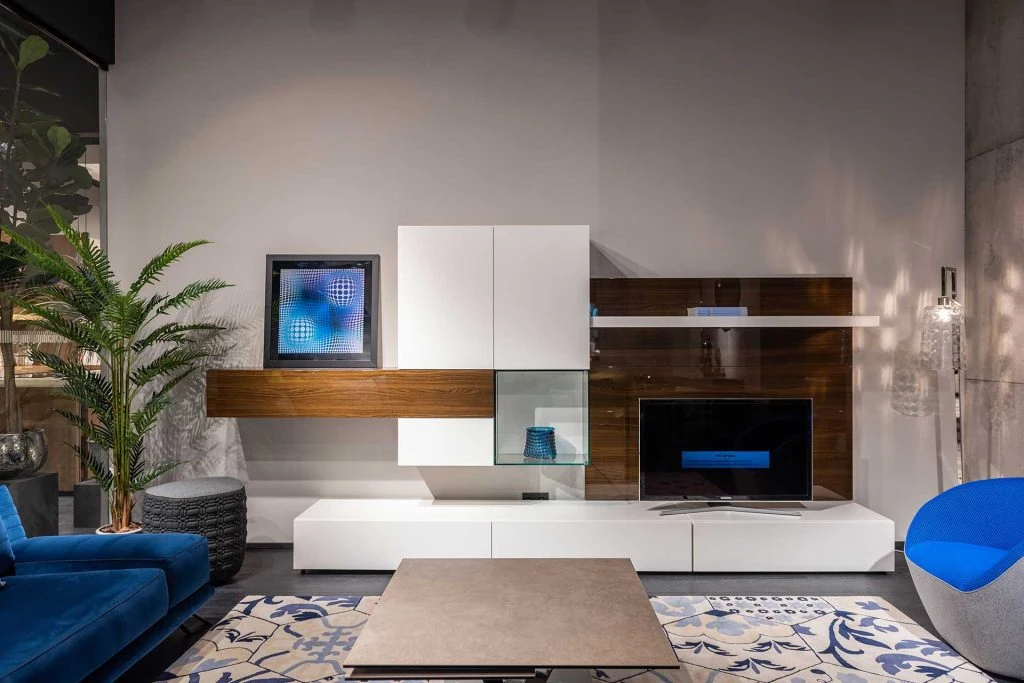
Set the screen position from the room layout and viewing requirement, then coordinate panel joints, doors, display shelves and equipment openings. Confirm wall construction, support, fixing and whether any panel conceals an access point, ventilation path or building service. Local professionals should approve structural or fire-related requirements where applicable.
GEORGE Group can discuss a project-configured cabinet wall. The final support, equipment compatibility, electrical and audiovisual work, materials, dimensions and installation responsibilities are set for the project.
Send a media-wall coordination pack
Provide the wall elevation and room plan, viewing and seating positions, equipment schedule and manuals, power and data locations, speaker strategy, wall information, display and closed-storage list, and intended future flexibility. Name the parties responsible for wall support, electrical, data, audiovisual equipment, final measurement and installation.
The living-room cabinetry overview should compare low cabinets, display units and general fixed storage. This page is limited to a full media elevation and its equipment and service interfaces.
Start a media-wall enquiry. Include the project location, wall and room drawings, equipment list, service information and responsible local trades.